Before Running OS
After POWERING ON the computer, the process is:
BIOS --> MBR --> kernel loader --> kernel
BIOS will check hardware conditions, and then load MBR into memory, run it. MBR runs in REAL mode and loads the “kernel loader” into memory. The “loader” switches to PROTECTED mode and loads kernel into memory and run it. Now the Operating System (the kernel) is running.
Concepts
BIOS, MBR, Real Mode & Protected Mode
BIOS is used during bootup. It checks hardware conditions, fills in interrupt tables, and loads MBR to memory. BIOS services works in Real Mode and it can be accessed through BIOS interrupts using assembly language. For example:
; Interrupt 10H Service 2 : Set Cursor Position
; pls refer to https://grandidierite.github.io/bios-interrupts/
mov ah, 0x02
mov bh, 0 ; display page number
mov dx, 0 ; upper left corner
int 0x10
MBR (Master Boot Record) is the very first sector of the hard disk; it contains an MBR Bootstrap program, and a Partition Table.
Programmed I/O: The CPU interacts with I/O devices via kinds of I/O interfaces. There’re 2 catagories:
memory-maped I/O :
reserve a part of the memory address space for I/O devices.
The cpu visits I/O devices just like visiting computer memory.
They have the same set of instructions such as mov op.
Please refer to graphics.asm.
It is often used in graphics cards to provide fast access to frame buffers and control registers. The graphics data is mapped directly to memory, allowing the CPU to read from and write to the graphics card as if it were accessing regular memory.
isolated I/O : provide a separate address space
other than a memory address space to I/O devices.
They have the different set of instructions. To visit an I/O port,
may use in or out instead of mov for memory op.
Please refer to harddisk.asm.
useful links about I/O operation:
https://www.baeldung.com/cs/memory-mapped-vs-isolated-io#Overview
https://www.geeksforgeeks.org/memory-mapped-i-o-and-isolated-i-o/
Environment
Env is a tutorial to help users run codes in the examples.
Examples
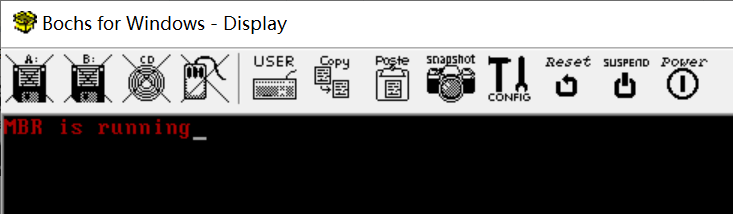
printString.asm shows how a MBR program prints a string using a BIOS service.
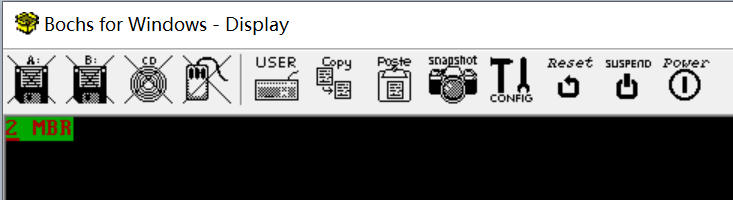
graphics.asm shows how a MBR program prints a string via writing directly to the memory of graphics card. It is memeory-mapped I/O .
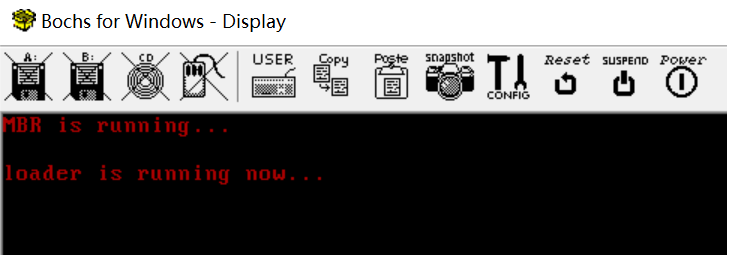
harddisk.asm shows how a MBR program reads a “loader” from harddisk, writes to the memory and runs it. It is isolated I/O .